How to Edit Letters Online for Free: A Beginner’s Guide
If you’re new to sending professional or personal correspondence, the idea of drafting a polished letter can feel intimidating. Luckily, there are several free, user‑friendly online tools that let you craft, format, and send letters without any software installation. In this guide we’ll walk through the most common pain points—getting the layout right, choosing the right tone, and avoiding costly mistakes—and show you how to solve them with free web resources.
1. Choosing the Right Platform
The first step is to pick a tool that matches your needs. For most beginners, a simple web editor is enough. Two popular choices are:
- Google Docs – free with a Google account, it offers real‑time collaboration and a library of templates.
- Zoho Writer – lightweight, with strong formatting options and offline editing via the web app.
Both platforms sync to the cloud, so you can pick up where you left off on any device.
2. Starting from a Template
A blank document can be daunting. Templates provide a proven structure and pre‑set styles, saving you time and reducing errors. Most free editors include templates for business letters, cover letters, and personal notes. When you open a template, simply replace placeholder text with your own details and adjust the headings as needed.
3. Mastering the Basics of Letter Formatting
Even a simple letter looks professional when it follows these key rules:
- Margins – 1 in on all sides; most editors set this automatically.
- Font – Choose a serif like Times New Roman or a clean sans‑serif like Arial, 12 pt.
- Spacing – Single line spacing, with a blank line between paragraph blocks.
- Alignment – Left‑justified text; avoid center or right alignment unless the style specifically calls for it.
In Google Docs, you can fine‑tune these settings under File → Page setup and Format → Line spacing.
4. Using Built‑In Spell‑Check and Style Guides
Free editors include spell‑check that highlights errors in real time. Many also offer grammar suggestions. For a more targeted approach, add a Style guide add‑on such as Grammarly for Chrome (free version). It flags passive voice, wordiness, and tone inconsistencies, ensuring your letter reads smoothly.
5. Adding Contact Information and Signatures
Consistency in contact details keeps your letter professional. Place your address, phone number, and email in the top right or left corner. When signing electronically, use the built‑in drawing tool to insert a scanned image of your signature or simply type your name in a bold, italic font.
6. Sending Without Extra Cost
Once the letter is ready, you have two free options to share it:
- Download as PDF and attach it to an email. PDFs preserve formatting across devices.
- Use the editor’s Share button to send a link directly. The recipient can view or edit based on permissions you set.
Both methods keep the content secure and avoid the need for paid email services.
7. Practical Tips for New Users
- Save Drafts Regularly – Even free editors auto‑save, but a manual save after each major edit reduces data loss.
- Keep a “Letter Archive” – Create a folder in the cloud to store past letters; this makes future references quick.
- Read aloud – Hearing your letter can catch awkward phrasing and improve flow.
8. When to Upgrade
If you find yourself sending dozens of letters monthly or need advanced features like brand‑consistent templates, consider a paid plan. However, for most beginners and occasional users, the free tools described above provide everything needed to produce polished, error‑free letters.
With the right platform, a solid template, and a few formatting rules, editing letters online for free becomes a straightforward, efficient process. Dive in today and start communicating with confidence—no software license required.
If you’re new to sending professional or personal correspondence, the idea of drafting a polished letter can feel intimidating. Luckily, there are several free, user‑friendly online tools that let you craft, format, and send letters without any software installation. In this guide we’ll walk through the most common pain points—getting the layout right, choosing the right tone, and avoiding costly mistakes—and show you how to solve them with free web resources.
1. Choosing the Right Platform
The first step is to pick a tool that matches your needs. For most beginners, a simple web editor is enough. Two popular choices are:
- Google Docs – free with a Google account, it offers real‑time collaboration and a library of templates.
- Zoho Writer – lightweight, with strong formatting options and offline editing via the web app.
Both platforms sync to the cloud, so you can pick up where you left off on any device.
2. Starting from a Template
A blank document can be daunting. Templates provide a proven structure and pre‑set styles, saving you time and reducing errors. Most free editors include templates for business letters, cover letters, and personal notes. When you open a template, simply replace placeholder text with your own details and adjust the headings as needed.
3. Mastering the Basics of Letter Formatting
Even a simple letter looks professional when it follows these key rules:
- Margins – 1 in on all sides; most editors set this automatically.
- Font – Choose a serif like Times New Roman or a clean sans‑serif like Arial, 12 pt.
- Spacing – Single line spacing, with a blank line between paragraph blocks.
- Alignment – Left‑justified text; avoid center or right alignment unless the style specifically calls for it.
In Google Docs, you can fine‑tune these settings under File → Page setup and Format → Line spacing.
4. Using Built‑In Spell‑Check and Style Guides
Free editors include spell‑check that highlights errors in real time. Many also offer grammar suggestions. For a more targeted approach, add a Style guide add‑on such as Grammarly for Chrome (free version). It flags passive voice, wordiness, and tone inconsistencies, ensuring your letter reads smoothly.
5. Adding Contact Information and Signatures
Consistency in contact details keeps your letter professional. Place your address, phone number, and email in the top right or left corner. When signing electronically, use the built‑in drawing tool to insert a scanned image of your signature or simply type your name in a bold, italic font.
6. Sending Without Extra Cost
Once the letter is ready, you have two free options to share it:
- Download as PDF and attach it to an email. PDFs preserve formatting across devices.
- Use the editor’s Share button to send a link directly. The recipient can view or edit based on permissions you set.
Both methods keep the content secure and avoid the need for paid email services.
7. Practical Tips for New Users
- Save Drafts Regularly – Even free editors auto‑save, but a manual save after each major edit reduces data loss.
- Keep a “Letter Archive” – Create a folder in the cloud to store past letters; this makes future references quick.
- Read aloud – Hearing your letter can catch awkward phrasing and improve flow.
8. When to Upgrade
If you find yourself sending dozens of letters monthly or need advanced features like brand‑consistent templates, consider a paid plan. However, for most beginners and occasional users, the free tools described above provide everything needed to produce polished, error‑free letters.
With the right platform, a solid template, and a few formatting rules, editing letters online for free becomes a straightforward, efficient process. Dive in today and start communicating with confidence—no software license required.
Vintage Pyrex Glass 2-cup/16 Oz Measuring Cup #515 - Red Letters
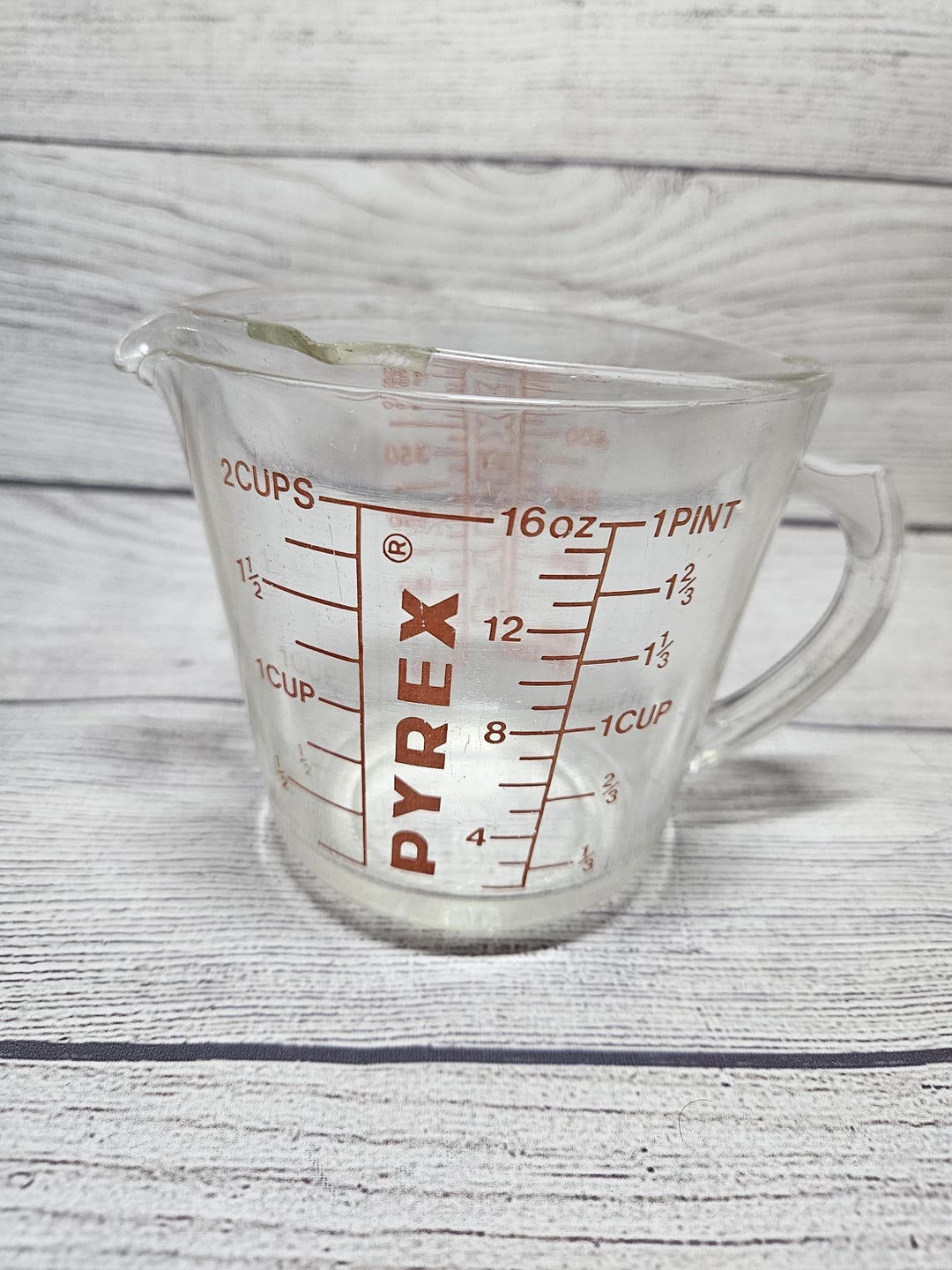
Vintage Pyrex Glass 2-cup/16 Oz Measuring Cup #515 - Red Letters ...
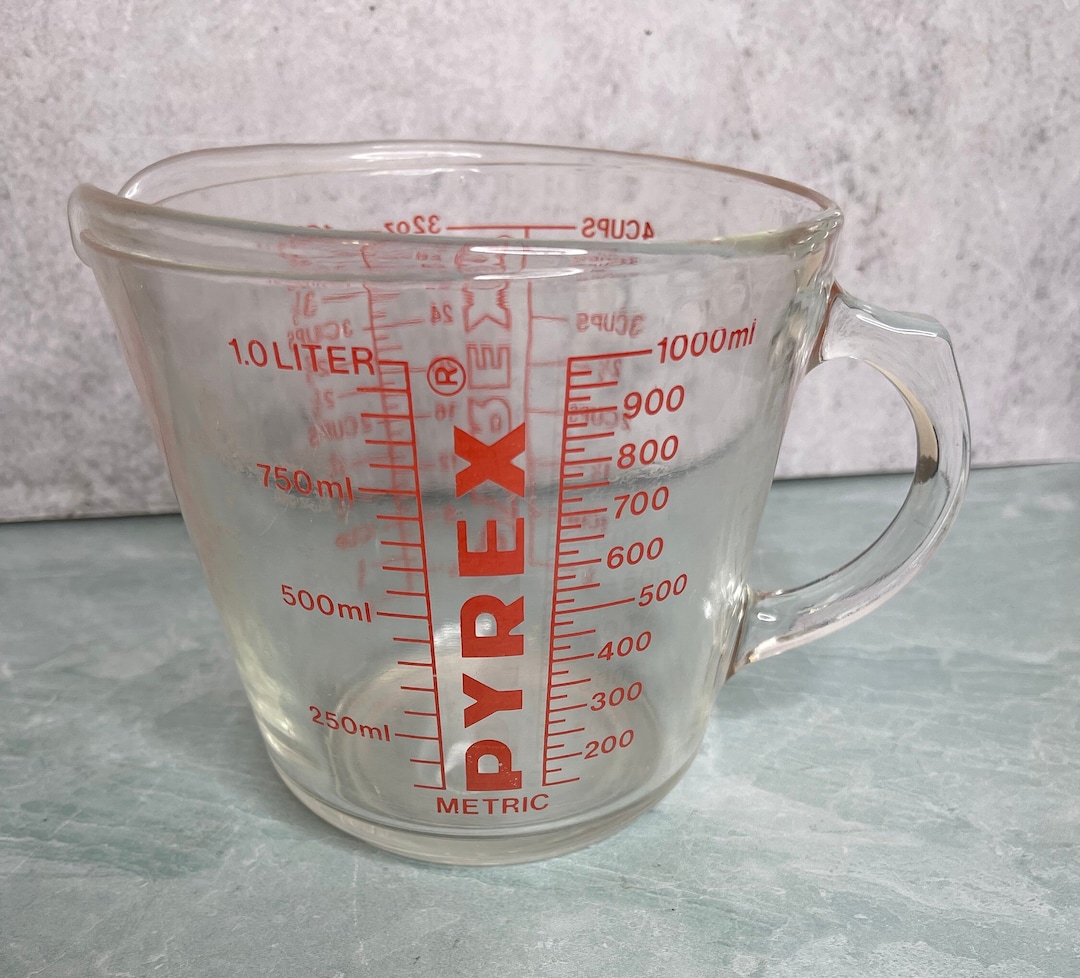
Vintage Pyrex 532 Glass Measuring Cup Red Letters D Handle 32 Oz Liq 1
Vintage Pyrex 532 Glass Measuring Cup Red Letters D Handle 32 Oz Liq 1 ...